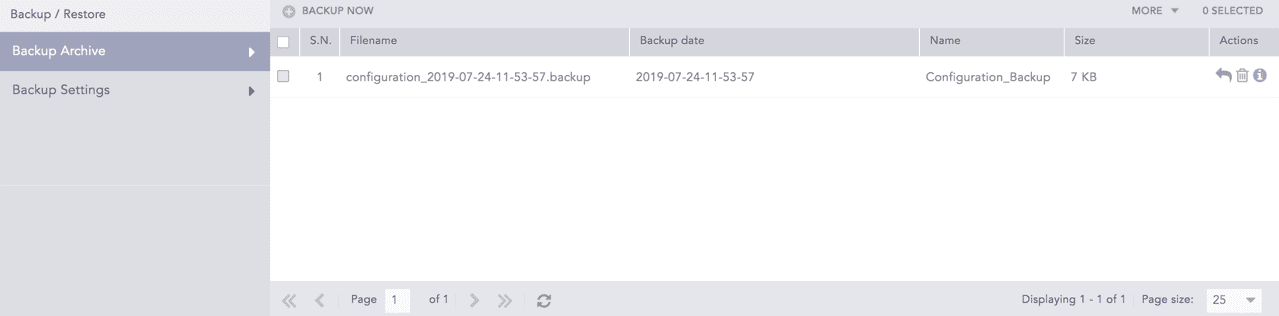
Go to Settings >> System >> Backup and Restore >> Backup Archive.
Settings >> System >> Backup and Restore >> Backup Archive
Backup and Restore Page
Click Backup Now.
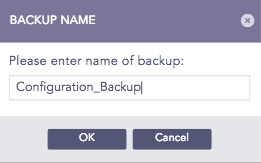
Backup Name Pop-up Panel
Enter the Backup Name and click OK.
List of Backups Created
We are glad this guide helped.
Please don't include any personal information in your comment